Courses
Programming, Full Stack, Data, AI, Cloud, Cyber Security and more.
Browse all courses →
Practical coding and data-skills training in Jaipur with project-focused learning, mentor guidance and career preparation.

Learn through structured lessons, coding practice, guided projects and mentor support. Explore programming, Full Stack, Data Analytics, AI, cloud, cybersecurity and other career-focused learning paths at Forsk Coding School.
Programming, Full Stack, Data, AI, Cloud, Cyber Security and more.
Browse all courses →Explore internship, industrial training, live-project and final-year project options.
Explore internships →Structured diploma learning paths across selected technology and digital domains.
View diploma programs →Admission-process guidance for BCA, MCA, B.Tech and BBA applicants.
Explore admissions →Start with fundamentals or move into a focused specialization. Each course page explains the learning direction, practical focus and enquiry options without forcing you into a one-size-fits-all path.
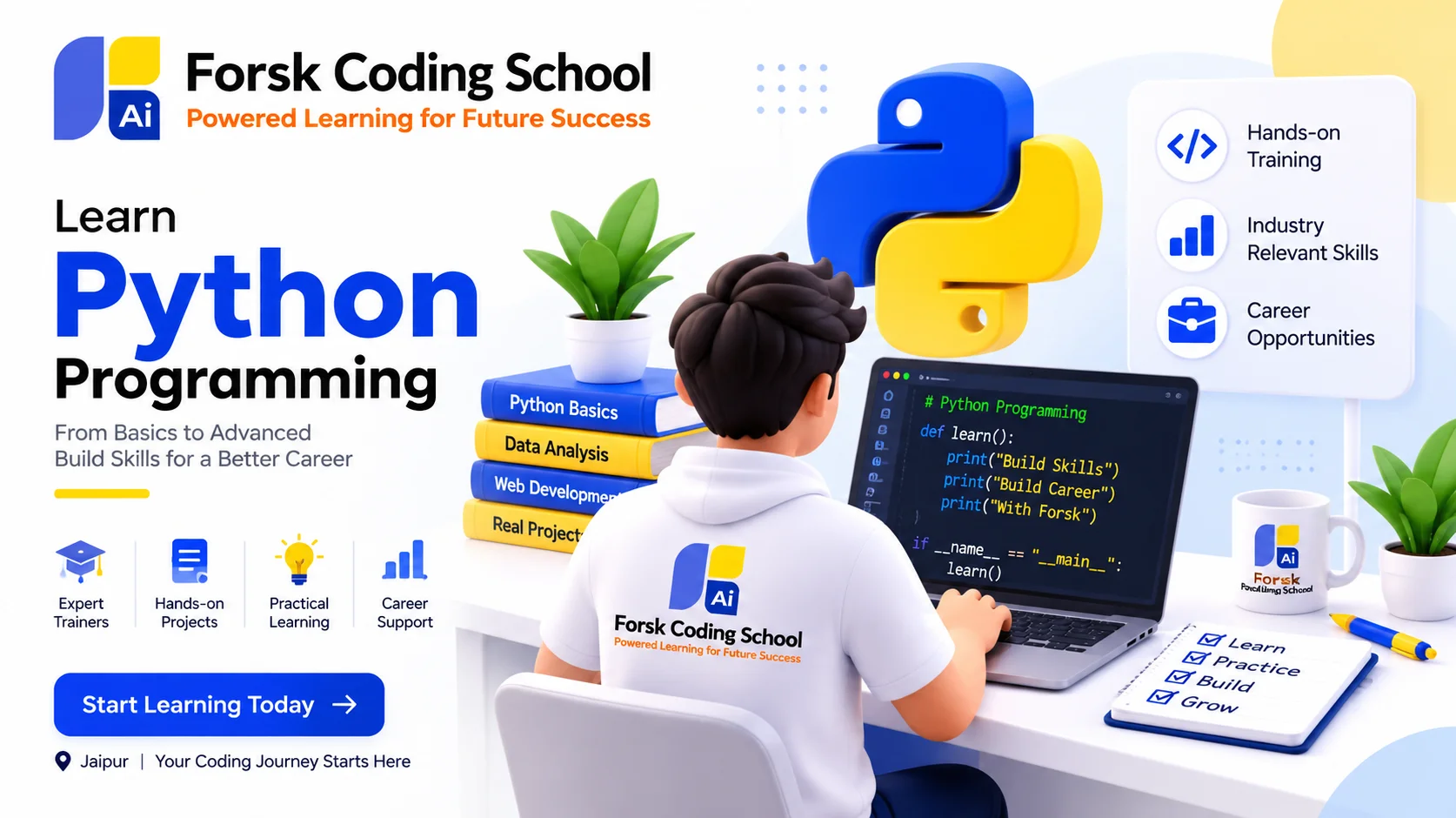
Build programming fundamentals, problem-solving ability and practical Python skills.
View course details →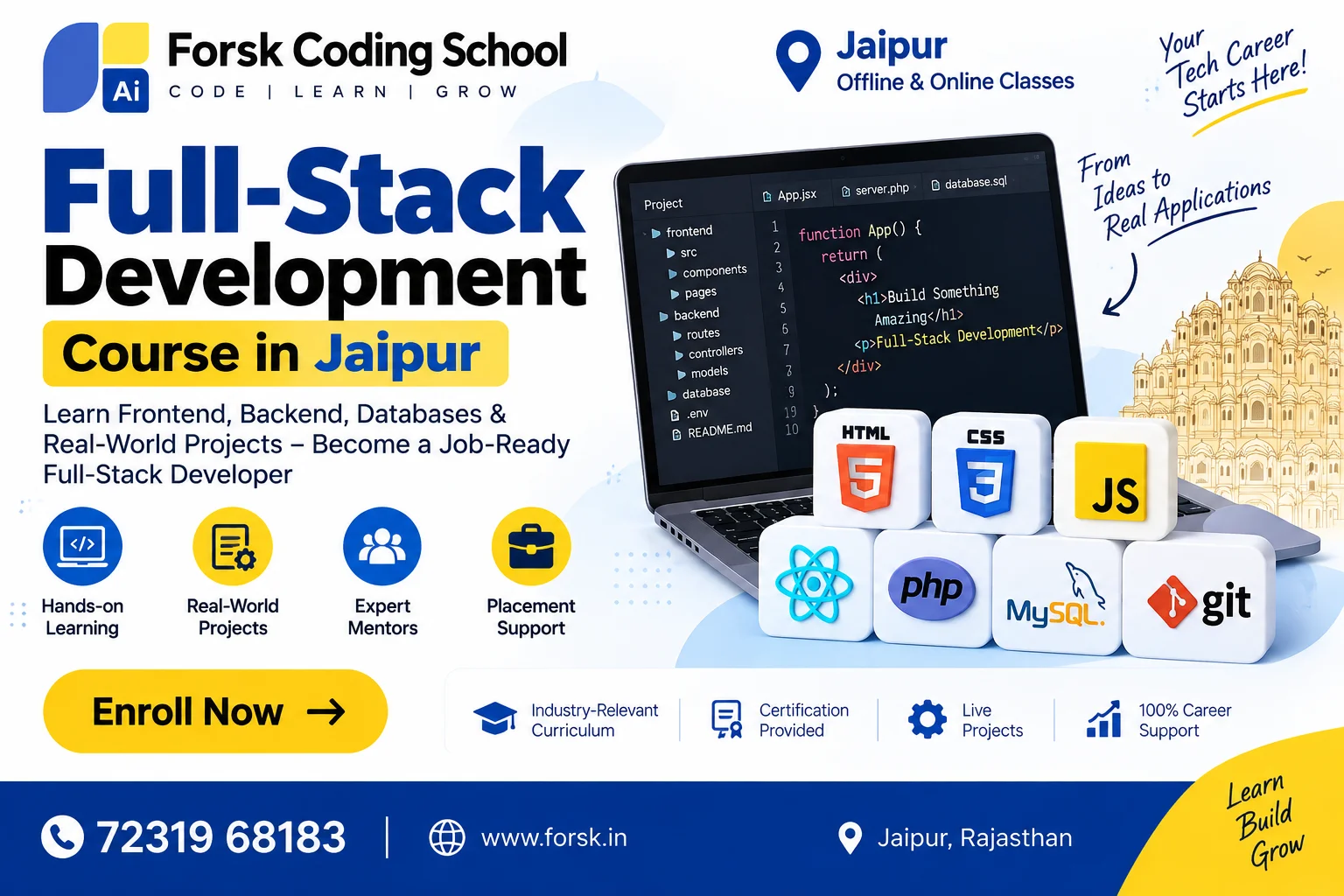
Learn front-end and back-end development through structured practice and projects.
View course details →
Work with Excel, SQL, Python and Power BI concepts for practical analytics workflows.
View course details →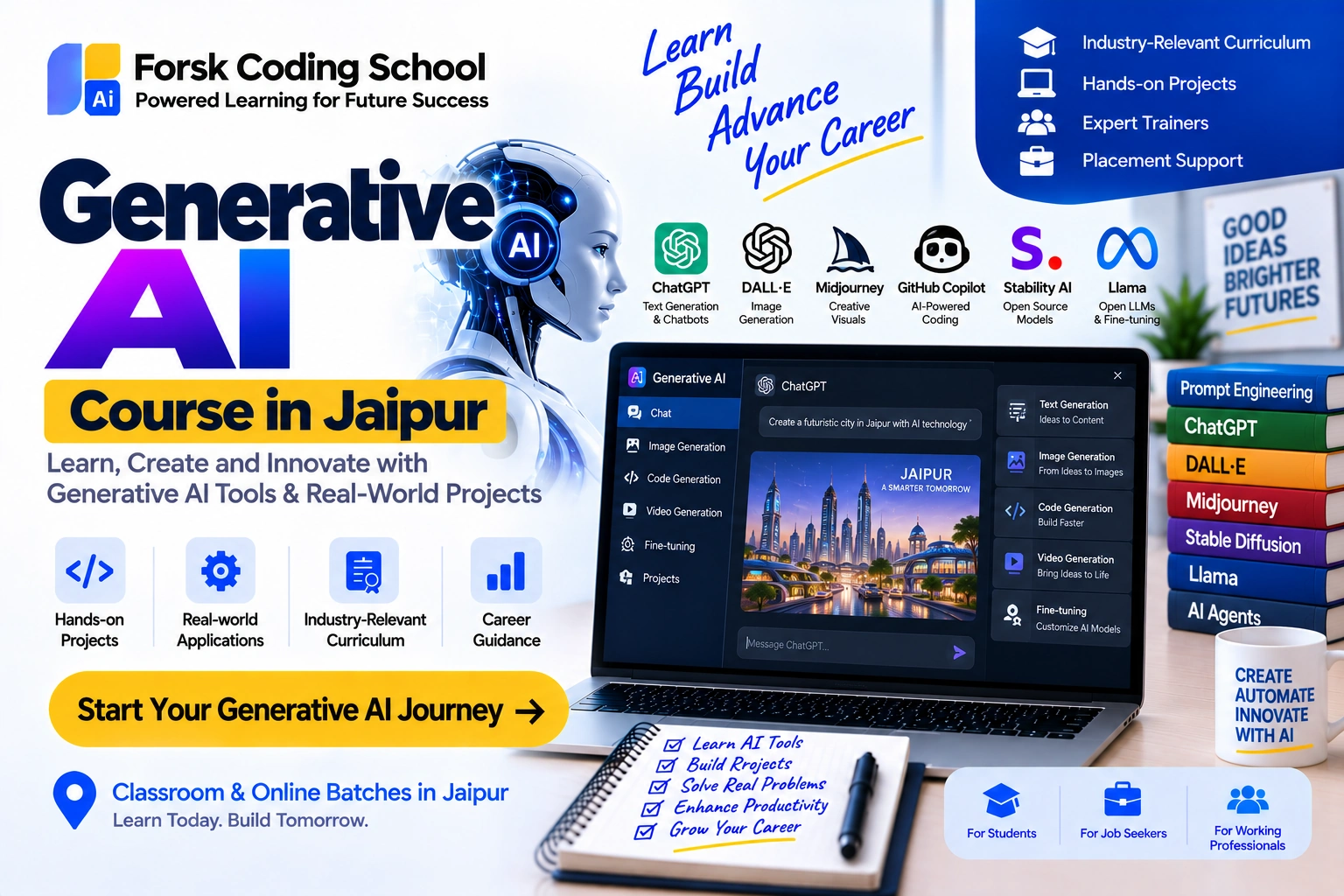
Understand AI foundations, modern tools and applied learning through guided exercises.
View course details →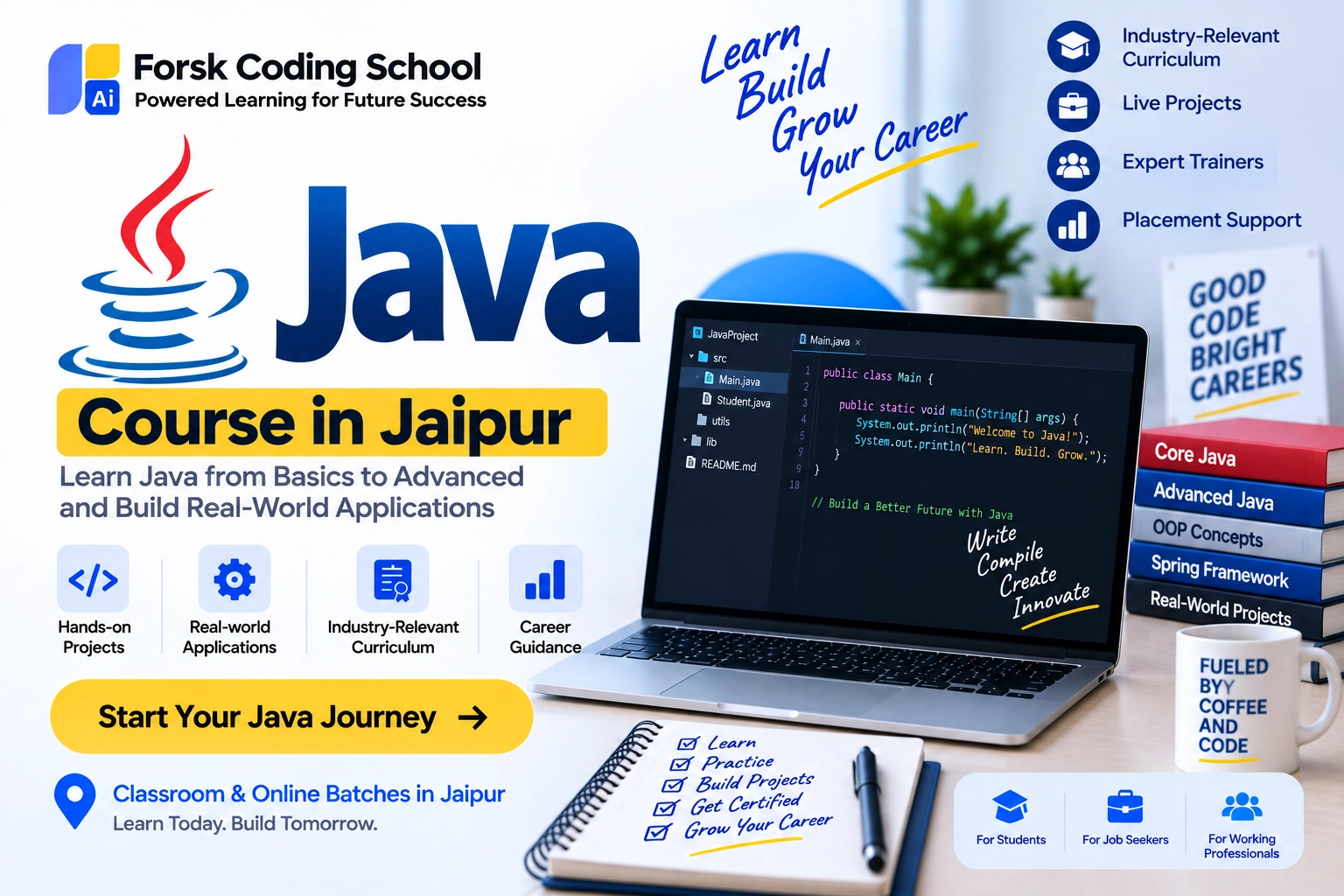
Strengthen Core Java concepts, OOP, problem solving and application-development fundamentals.
View course details →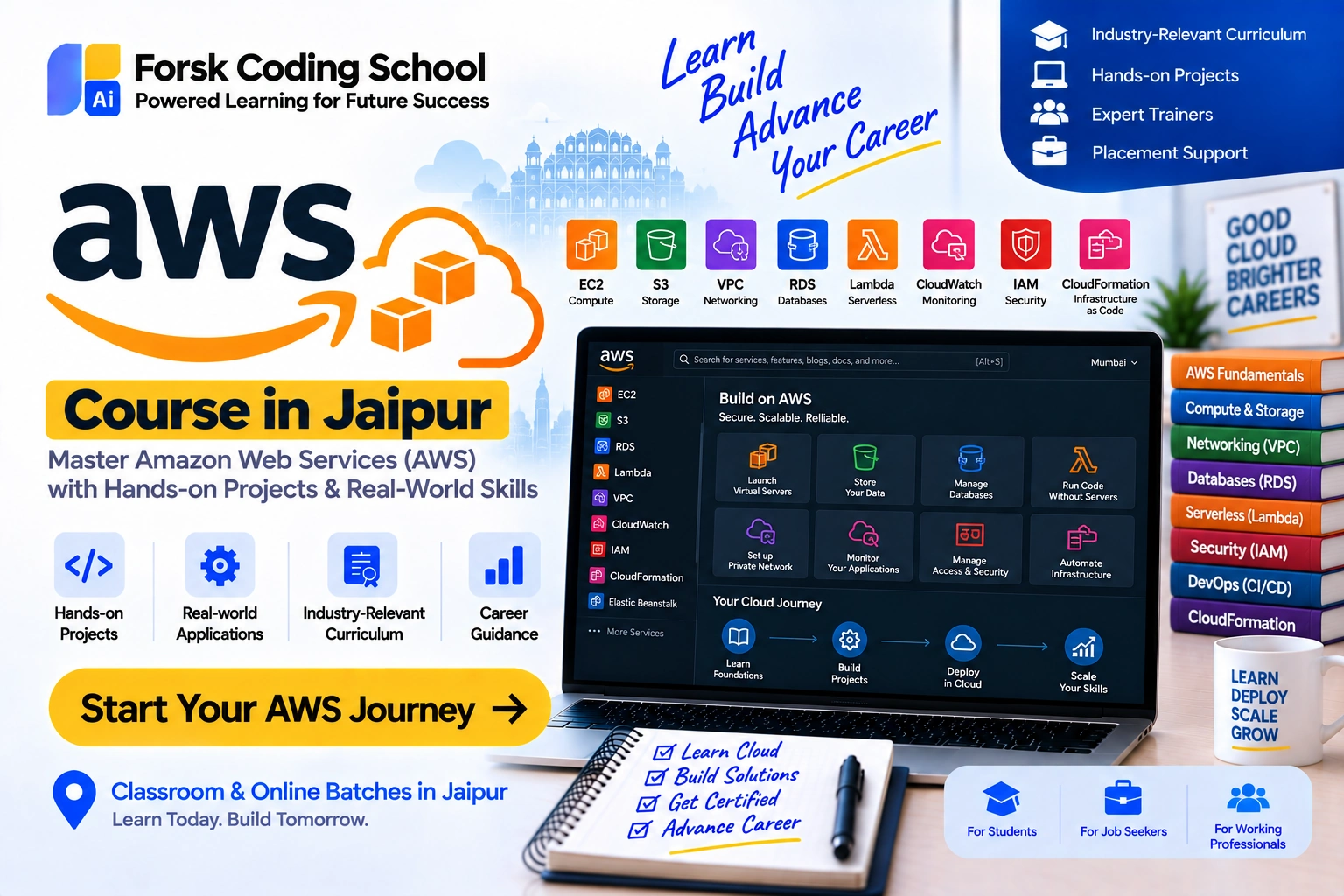
Explore deployment, automation and modern cloud-development workflows with practical guidance.
View course details →The focus is practical learning: understand the concept, practise it, apply it in guided work and learn how the skill connects with real technology workflows.
Build the base before moving into frameworks, tools and advanced implementation.
Use exercises, assignments and project-oriented work to turn concepts into usable skills.
Get guidance around learning sequence, projects, troubleshooting and skill improvement.
Connect learning with portfolios, interviews, practical confidence and placement assistance.
For students who need practical exposure, structured project work or academic project guidance alongside their technical learning.
Explore Internship ProgramsGet admission-process guidance for selected undergraduate and postgraduate programs. Final admission always remains subject to college or university eligibility, rules and seat availability.
Explore College AdmissionsShare your goal, qualification and preferred program. Our academic team can help you understand suitable learning paths and current batch options.
Share your details and our academic team can guide you about the program, learning path, batches and practical project work.
Forsk Coding School offers learning paths in Python, Java, C/C++, Full Stack Development, Data Analytics, Data Science, Artificial Intelligence, Cloud and DevOps, Cyber Security, Software Testing, Digital Marketing, UI/UX, mobile development and related technologies.
Yes. Many programs can start from fundamentals. The right starting point depends on your current qualification, prior experience and learning goal, so counselling is recommended before selecting a batch.
Learning mode can vary by program and current batch. You can submit an enquiry to confirm current offline Jaipur and live online options for the course you want.
Forsk Coding School has separate internship, industrial training, live-project and final-year-project learning pages. Availability and structure depend on the selected program and current intake.
No. Forsk Coding School can provide training, career guidance, placement assistance and admission-process guidance where applicable, but jobs and college admissions depend on employer or institution requirements, eligibility, performance and availability.
Use these focused pages to compare learning paths instead of scrolling through an overloaded homepage.